Build a digital employee, then run a whole team

No code, no consultants, no servers. Configure an AI employee for a role, connect your knowledge and tools, and supervise it from one dashboard - powered by OpenClaw, hosted in the EU.

Commencer
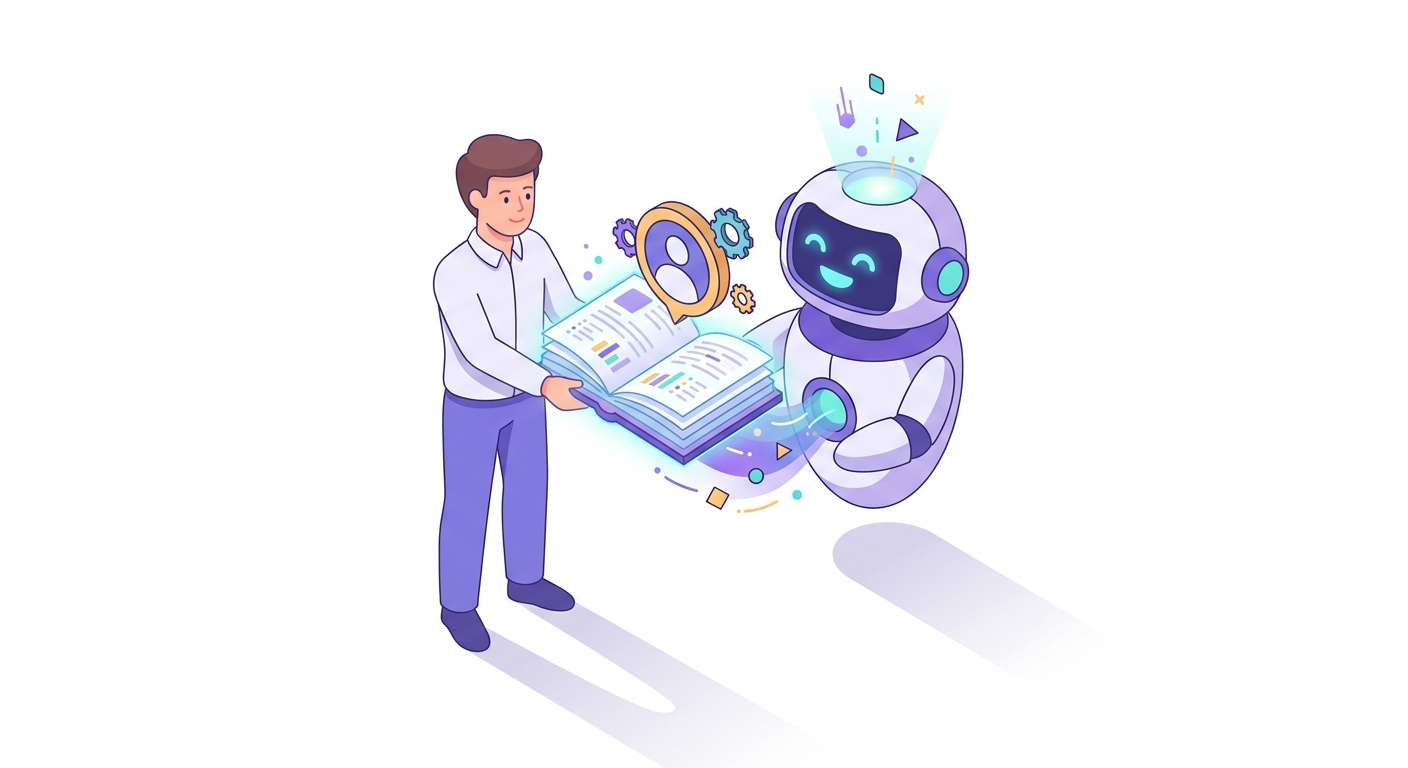
Pick a role for your digital employee and give it your knowledge

1. Pick a role and give it knowledge

Start from a proven role like Support Agent, Sales SDR, Research Analyst, or Ops Assistant. Add a knowledge base from your docs, websites, and files so the employee answers from your real data.

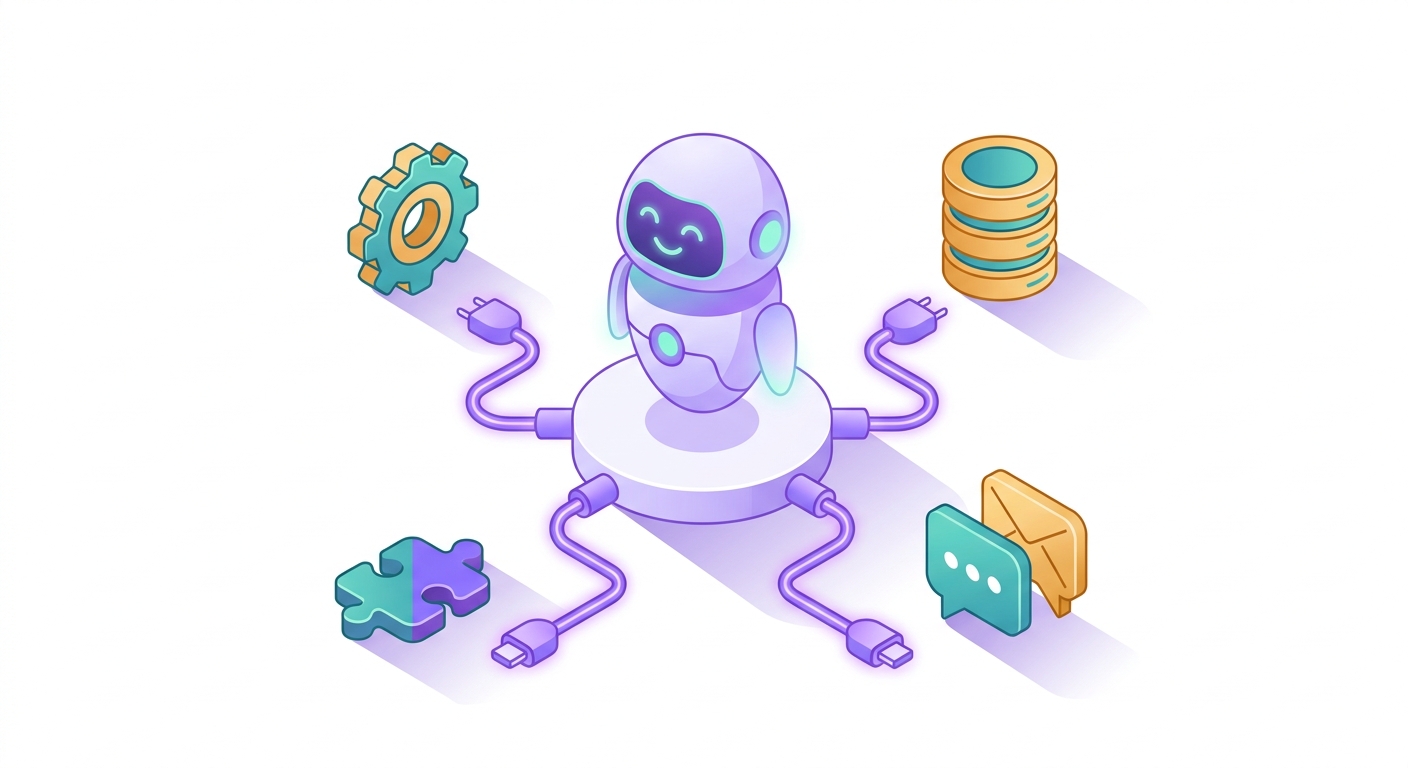
Connect your tools and channels to the agent

2. Connect tools and channels

Give the employee the tools it needs via MCP - your CRM, inbox, databases, and APIs - and put it to work on Slack, Microsoft Teams, email, WhatsApp, the web, or Telegram.

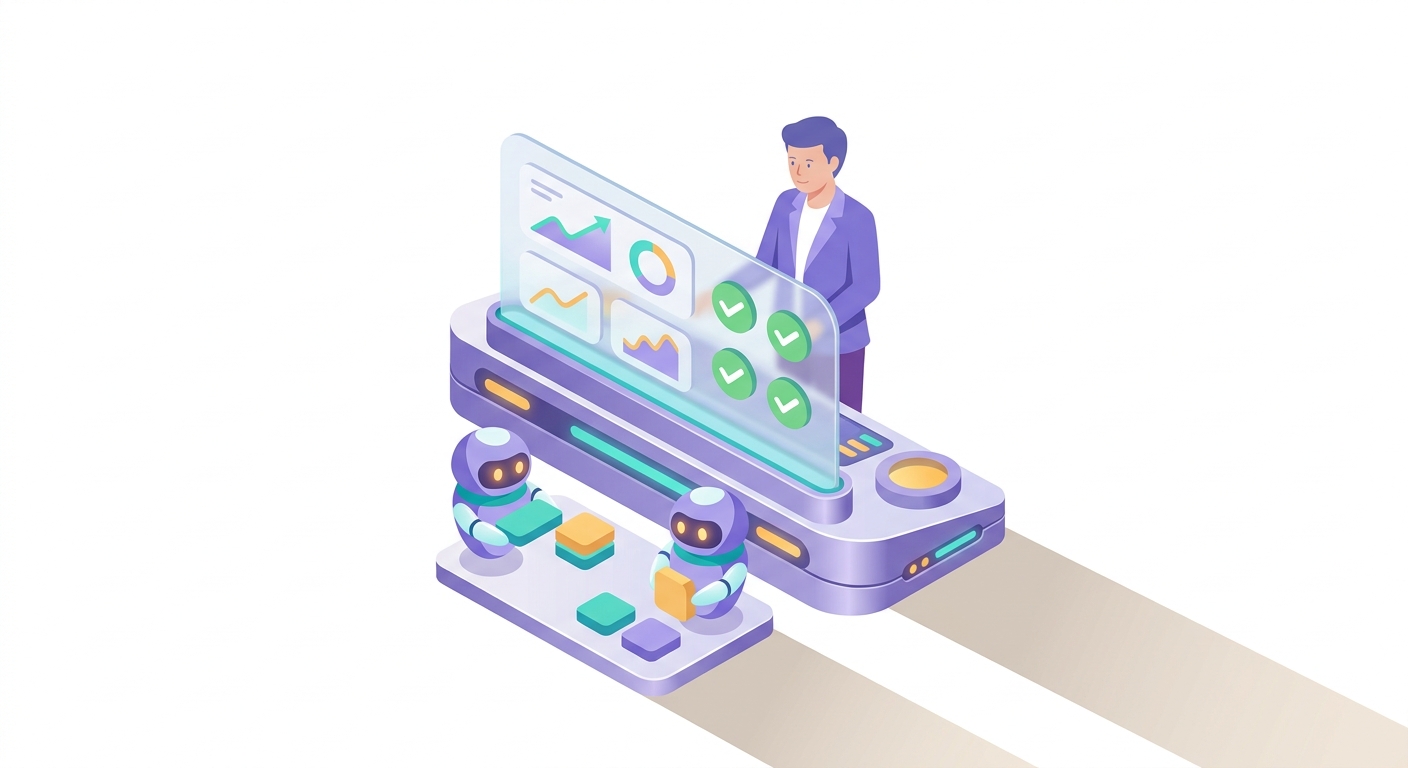
Supervise your team of digital employees from one dashboard

3. Supervise the team from your dashboard

Watch what every employee is doing, approve sensitive actions, set budgets and permissions, and review a full audit log. Add more employees and let them delegate work to each other.

What one employee looks like

Every digital employee has a role and personality, its own knowledge, a set of tools, the channels it works on, and guardrails you control. Build one in minutes, then scale to a team.

  • check_circleA clear role and instructions
  • check_circleA grounded knowledge base
  • check_circleTools and systems via MCP
  • check_circleChannels: Slack, Teams, email, WhatsApp, web, Telegram
  • check_circleApprovals, budgets, and audit logging

Build your first AI employee today